

Canvas Medical
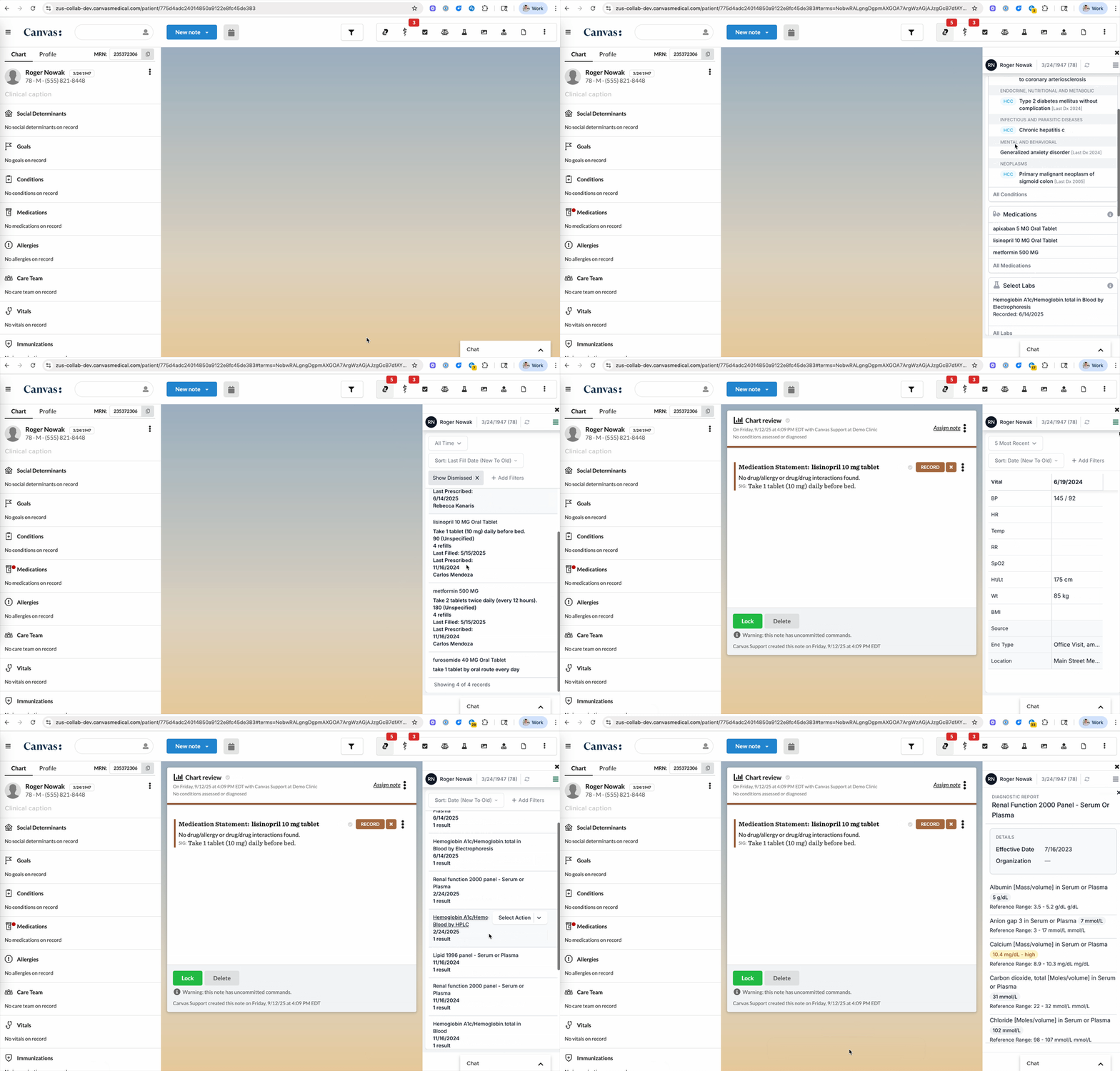
Open the ZAP from the Canvas patient chart and add Zus data to your Canvas note.
Learn more about how to use the ZAP embedded in the Canvas patient chart.
Overview
The ZAP in Canvas gives you access to the data that Zus has on your patient and is accessible via the Zus icon in the top menu.
If your organization uses automatic enrollment, Zus enrolls a patient when an appointment is created in Canvas, using the first valid NPI (National Provider Identifier) of a provider on the appointment. Patients without an appointment in Canvas aren't enrolled this way. Learn more about how patient records get updated.
Tips and Tricks
Usage tips
Adding data to the Canvas chart
You can add Medications from Zus to the active Canvas note using the "add" button that appears when hovering over an item on the medications list.
Data already in the patient chart is noted by a checkmarkData that is in the chart when you open the ZAP will be noted by a checkmark.
This includes:
- Conditions
- Medications
Updated 11 days ago